Diagnostics €10 · no registration required

Jaguar navigation: the latest navigation maps

We update Jaguar navigation maps for XF, XK, XJ, S-Type and X-Type cars: for DVD and USB systems, with detailed Lithuania and Europe coverage. The initial diagnostics cost 10 €.

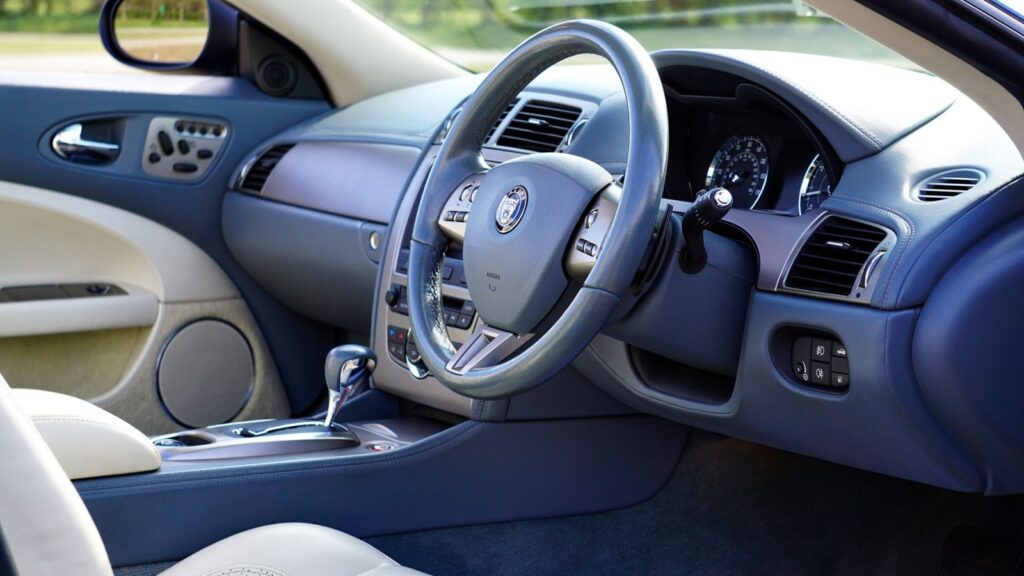
Jaguar car navigation screen with a map Jaguar mapsWhat we update Warranty on work
Jaguar maps
What we update
after diagnostics
Update price
10 €
Initial diagnostics

4 service points – bring it to the nearest one

  1. Vilnius Kareivių g. 11A, Žirmūnai +370 679 74770
  2. Каунас Baltijos g. 58, Šilainiai +370 656 95553
  3. Клайпеда Sausio 15-osios g. 13 +370 617 77731
  4. Šiauliai Gegužių g. 30, PC „Arena“ +370 659 83704
  • No appointment needed
  • Diagnostics €10
  • Mon–Fri 9–18
  • All contacts

Outdated navigation maps in a Jaguar car mean that the system does not know about new roads: new roundabouts, bypass sections and changed traffic simply do not exist on its screen. We update maps for Jaguar systems that use DVD discs or a USB update, and Lithuania is shown in detail.

Below you will find which systems and models this suits, how to recognize outdated data and how the update works. General information about updates for all brands is on the navigation update page.

  • How much does the update cost? The price depends on the system and the map set. The initial diagnostics cost 10 €; the exact price is given after it and agreed on before the work.
  • Do I need to book? No. Just come to any elMeistrai service point during working hours: Mon–Fri 9:00–18:00.
  • What warranty is provided? A warranty is provided for the work. The latest available maps are used.
  • Which models are suitable? XF, XK, XJ, S-Type and X-Type, depending on the year and the type of navigation system (DVD or HDD with USB).
What the symptoms show: when it is time to change your Jaguar maps

Many drivers notice that their navigation is outdated only after getting lost. Here are the signs we hear about most often.

01

The navigation doesn’t know about new roads and roundabouts

WhyThe map data stopped at the factory version. New sections of Lithuanian roads have changed since then.

Check yourselfCompare the screen image with the actual road and a map on your phone, and check the map version in the system menu.

What we doWe install the latest maps according to your system type.

02

Navigation maps do not show Lithuania or show only the main roads

WhyA Western Europe disc without Lithuania or an older version has been inserted. Map sets are divided by country.

Check yourselfCheck which disc is inserted and which countries are listed in its description.

What we doWe select a set with detailed Lithuania and the necessary neighboring countries.

03

The system does not read the DVD disc

WhyMost often the disc is scratched or the optical reader is worn. This is common in older systems.

Check yourselfInspect the disc and try another one. Do not try to disassemble the unit yourself.

What we doWe diagnose whether the media or the reader is at fault and offer a solution.

0410 €

Navigation shows the wrong location

WhyOutdated maps may be to blame, but sometimes it is the GPS signal or the antenna. Read more in the article why the navigation shows the wrong location.

Check yourselfDrive to an open area, away from tall buildings, and wait a few minutes.

What we doWe check the software and the maps and determine the real cause.

05

After the update the system does not turn on or freezes

WhyA map set that does not match the system type, or a failed installation. In such cases the exact system identification is needed.

What we doWe determine the system version, fix the software and install the correct set.

Navigation map update prices for Jaguar systems

The price depends on the system type and the selected set of countries, so we quote it after diagnostics.

Diagnostics

ServicePriceWarranty
Initial diagnostics10 €–

Map updates

ServicePriceWarranty
XF, XK (Denso 2.64, DVD)after diagnostics–
XJ, S-Type, X-Type (Denso XCL, DVD)after diagnostics–
XJ, XF HDD GEN2.1 (USB)after diagnostics–

Software and reader

ServicePriceWarranty
Navigation software repairafter diagnostics–
DVD reader repairafter diagnostics–
The exact price is given after diagnostics (10 €) and agreed before work begins. The work is covered by a warranty.

Myths about updating Jaguar navigation

  • Myth. The same map disc fits all Jaguars. In fact. Maps depend on the system type: Denso 2.64, Denso XCL or HDD GEN2.1. The wrong set will not work or will not be recognised.
  • Myth. Maps do not need updating because roads do not change. In fact. New road sections, roundabouts and traffic layouts appear over time, and an old system will suggest turns that no longer exist.
  • Myth. You can only update after buying a new car. In fact. Map sets also exist for XF systems from 2004–2011 and X-Type systems from 2002.

Which Jaguar systems we update navigation maps for

Based on the available sets, we carry out the work for three system types. The Jaguar XF 2004–2011 and XK 2007–2013 with Denso 2.64 use DVDs divided into several regions, and Lithuania is covered in detail on the Eastern Europe disc.

The XJ 2004–2009, S-Type from 2003 and X-Type from 2002 with T1000 Denso XCL also use DVDs. For newer HDD GEN2.1 systems (XJ from 2009, XF from 2012), maps are updated via USB, suitable for both USA and EU cars.

  • XF and XK: Denso 2.64 with DVD
  • XJ, S-Type, X-Type: Denso XCL with DVD
  • XJ from 2009, XF from 2012: HDD GEN2.1 via USB

If you do not know your system type, you can come with your car – the technician will identify it and tell you which set is suitable.

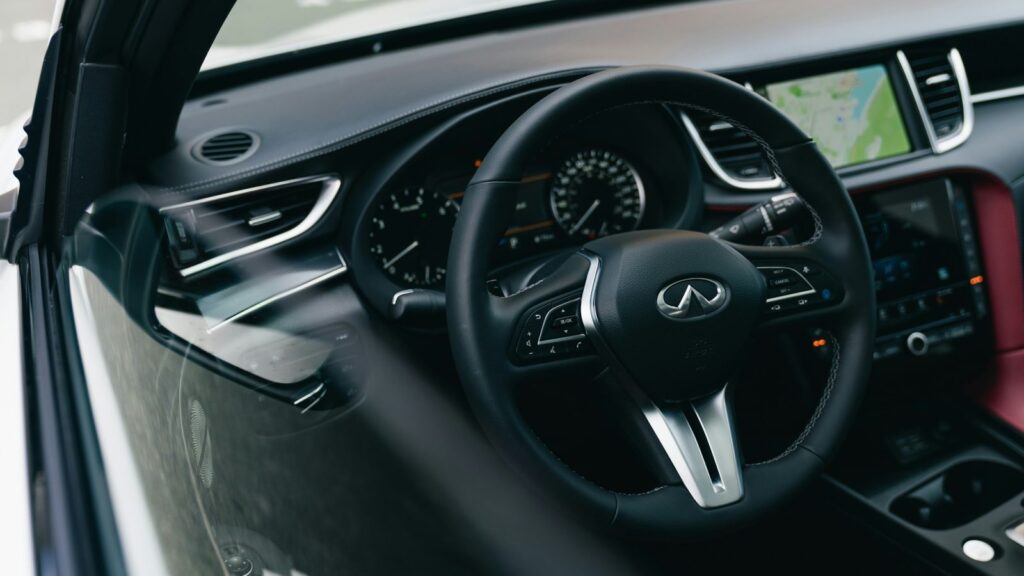
Infiniti car navigation screen with a map

How to tell that navigation maps are outdated

The first sign is the car driving where there is no road on the screen. The second is being offered turns where traffic has long been arranged differently. The third is missing countries that you visit.

You can find more about the process in the article how to update car navigation.

What to know before you come

  • No registration or advance call is needed – just come during working hours Mon–Fri 9:00–18:00
  • No preparation is needed: the technician will determine the system type on site
  • If you have a DVD or USB storage device, you can show it, but it is not necessary
  • You can tell us the car model and year of manufacture – this speeds up identification
  • You can mention which countries you drive to most often

From arrival to updated maps

  1. Come to the service point. Choose any elMeistrai service point and come Mon–Fri 9:00–18:00. No registration is needed.
  2. We identify the system. The technician checks the navigation type and the current map version. Initial diagnostics costs 10 €.
  3. We agree on the price. We tell you which set is suitable and how much it will cost before work begins.
  4. We install the maps. We install the latest maps and check that the system recognises them.
  5. You collect it with a warranty. You collect your car or storage device; the work carried out is covered by a warranty.

Customers often ask about Jaguar navigation

How do I update my car’s navigation?

In DVD systems the map disc is replaced, while HDD GEN2.1 uses USB. To avoid choosing the wrong set, it is better to come to the service point. Read more in how to install new maps.

Is Lithuania shown in detail?

Yes, in sets that include Lithuania it is marked as detailed, while neighbouring countries form a separate part of the maps.

How much does diagnostics cost?

The initial diagnostics cost 10 €. The update price is given after diagnostics and agreed before work begins.

Other car brands

Professional navigation update – prices, process and service points

Is your device broken?

Give us a call – we will tell you what we can do and how long it will take.

Call Find a service point