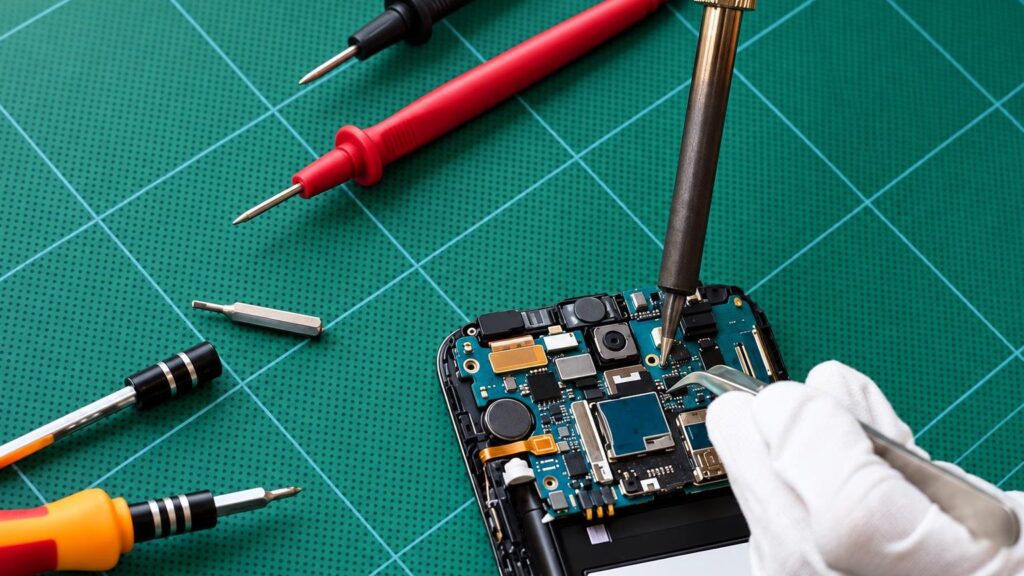
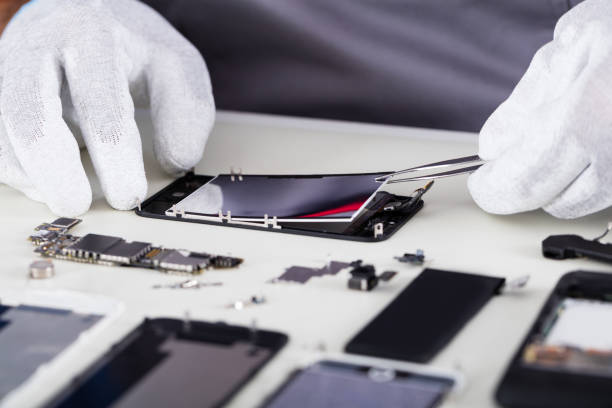
People rarely bring in a „faulty motherboard” – they bring a phone that „for some reason no longer charges” or „shows streaks”. That is why we have described the faults the way they appear in everyday life, with what you can check yourself and what the technician does.
01from 10 €
Phone screen is smashed or cracked
WhyThe most common cause is a fall onto a hard surface. The larger the screen, the more sensitive it is to impact. Beneath the glass, the display panel or the touch sensor itself is often damaged too, so the picture may not start to fail right away.
Check yourselfDo not try to clean up glass shards or open the phone yourself – you may cut yourself and damage the screen flex cable. Bring the phone to a service point as soon as possible.
What we doThe technician opens the phone, melts the adhesive at a controlled temperature, removes the old screen, replaces the adhesive part, fits the new one and checks the cable connections. We give you the final price after the diagnostic.
02from 10 €
Screen flickers, shows streaks or spots
WhyStreaks and spots usually appear after an impact or pressure, when the display panel is damaged or the screen flex cable comes loose. Sometimes overheating or moisture under the screen is to blame.
Check yourselfRestart the phone, update the system and check whether the flickering persists in safe mode. If the streaks don’t change, it is a hardware fault. More: what to do if the screen flickers.
What we doDuring the diagnostic we distinguish between a fault in the screen, the flex cable and the motherboard. If the screen is at fault, we replace it; if it is the contacts or the board, we repair the electronics.
03from 10 €
Touchscreen doesn’t respond or touches by itself
WhyCauses include: a damaged touch layer after an impact, moisture, a poorly glued or unsuitable new screen, or, more rarely, a software error. If the response is lost only in certain areas, the screen is usually to blame.
Check yourselfRemove the screen protector and case, wipe the screen with a dry cloth and restart the phone. More: touchscreen not responding.
What we doWe check whether the touch sensor works across the entire surface, rule out software errors and, if necessary, replace the screen or repair the flex cable connector.
04from 10 €
Phone battery drains quickly
WhyOver the years the battery wears out, especially if the phone often drops to 0% or is kept on the charger for a long time after reaching 100%. Sometimes the battery swells – in that case it needs to be replaced urgently.
Check yourselfCheck which apps use the most power and update the system. If the battery is swollen, do not open it yourself and do not charge the phone if the casing is bulging – bring it to a service point.
What we doWe measure the battery’s condition, replace it with a new one and check the charging circuit so that the new battery doesn’t drain because of another fault. In some models the screen or even the motherboard has to be removed because the battery is glued in.
05from 10 €
Phone doesn’t charge or charges only at a certain angle
WhyMost often dust and lint build up in the port, the contacts wear out or the port’s retaining clips break off. However, the cable, the charger or the charging chip on the motherboard may also be to blame.
Check yourselfTry a different cable and charger, and a different socket. Use a flashlight to see whether there is dirt in the port – more at how to clean the charging port. Do not use metal needles.
What we doWe clean the port or replace it, and if the port is fine, we check the charging circuit and chips.
06from 15 €
Phone fell into water
WhyWater gets onto the motherboard, and corrosion destroys the contacts even a few days later, even if the phone works at first. Salt water, sugary drinks and coffee do more damage than clean water.
Check yourselfSwitch the phone off immediately, do not charge it or dry it with a hair dryer, and do not try to open it. Rice doesn’t help – more at how to get water out of a phone. Bring the phone to a service point as soon as possible.
What we doWe disassemble the phone, clean liquid and deposits off the motherboard, dry it and check which circuits have been affected. The sooner it is brought in, the better the chances of saving both the phone and your data.
07from 10 €
Phone won’t turn on or has become a „brick”
WhyCauses: a completely drained or faulty battery, a damaged power management chip, a short circuit after moisture exposure, or a software error. Sometimes the phone works, but the screen shows no picture.
Check it yourselfDo not try to open it or charge it repeatedly, especially if the phone has been wet, has overheated or the casing has swollen. It is best to bring it to the service centre for diagnostics.
What we doWe measure whether the board is receiving power and check the power circuits, chips and software. If necessary, we repair the board or replace its components.
08from 15 €
Microphone or speaker not working
WhyThe openings get clogged with dust, or the microphone or speaker itself, or its connector, may be damaged after a drop or moisture. If the microphone does not work in only one app, the permission settings may be to blame.
Check it yourselfCheck the apps’ microphone permissions, remove the case and the protective film from the openings, and try making a call on speakerphone. More: when the microphone is not working.
What we doWe clean the openings, replace the microphone or speaker, or repair their connector on the board.
09
Phone not working abroad or without signal
WhyMost often the cause is roaming, the operator’s settings or the SIM card. If there is no signal or „Wi-Fi” in Lithuania either, the antenna or its connector may be damaged.
Check it yourselfCheck whether roaming is enabled, turn airplane mode off and on again, remove and reinsert the SIM card, and try it in another phone.
What we doWe check the SIM reader, the „Wi-Fi” and cellular antennas, and the board’s signal circuits; we repair or replace the faulty part. We tell you the price after diagnostics.
10from 10 €
Camera not working or photos are blurry
WhyThe camera can fail after a drop because the stabiliser breaks, the glass cracks or a connector comes loose. A blurry image is also often caused by simple dirt or moisture under the glass.
Check it yourselfWipe the lens with a soft cloth, restart the phone and try another camera app. More: why the camera stopped working.
What we doWe replace the rear or front camera, and if only the glass is cracked, we replace just that. After the repair, we check the focus and performance in all apps.