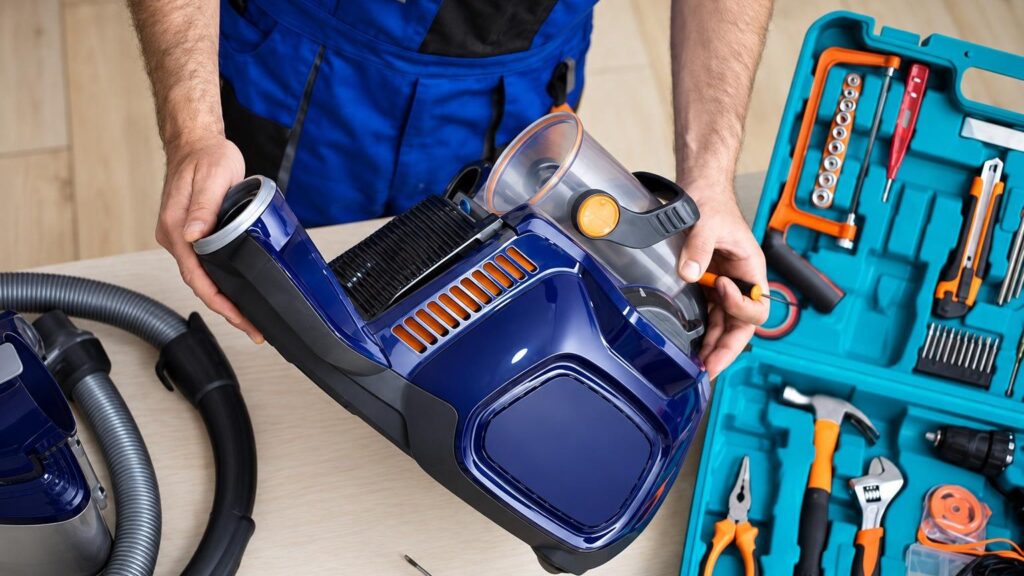
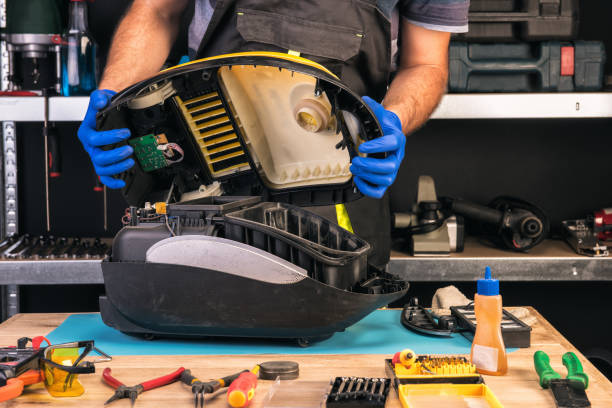
Below are the faults vacuum cleaners are most often brought to service for. For each one, we list the likely causes, what you can check yourself and what the technician does. Before any check, unplug the vacuum cleaner from the mains.
01from 15 €
Vacuum cleaner does not turn on
WhyThe most common culprits are a damaged power cable or plug, a faulty switch, or a thermal fuse that has tripped after overheating. Less often, the motor or control board has burnt out.
Check yourselfTry a different socket and inspect the cable and plug for cracks. If the vacuum cleaner has overheated, unplug it and leave it to cool for a few hours, and clean the hose and filters.
What we doWe test the cable, switch and motor circuit and determine where the voltage is lost. We replace the cable or switch, or repair the board if the motor is healthy.
02from 15 €
Vacuum cleaner does not pick up dust or has weak suction
WhyThe most common cause is a full bag or container, or clogged filters, hose or nozzle. If all of these are clean, the culprit may be a cracked tube, worn motor bearings or a worn-out turbine.
Check yourselfEmpty the container or replace the bag, wash or replace the filters, and check the tube and hose against the light or with a rod to make sure they are not blocked. Listen for any air escaping through cracks in the hose.
What we doWe check the airflow path, measure suction power, and replace hoses, gaskets or the motor. To learn how vacuum is generated, read our article on vacuum creation.
03from 45 €
Vacuum cleaner smells of burning
WhyA burning smell often appears when the motor overheats because of clogged filters or an overfilled bag. It can also be caused by worn carbon brushes, a faulty belt or an overheating plug.
Check yourselfSwitch off and unplug the vacuum cleaner immediately. Feel the plug once it has cooled down. Clean the filters and the bag, but if the smell returns, do not use it any more.
What we doWe inspect the motor, brushes, wires and insulation and determine the cause of the overheating. If the motor has burnt out, we give the price after diagnostics.
04from 45 €
Vacuum cleaner is noisy, whines or rattles
WhyA high-pitched whine usually means a blocked airflow path or worn bearings. Rattling is caused by a small object that has got past the filter, a cracked fan or a loose part.
Check yourselfCheck that there is no blockage in the hose or tube and that the filters are inserted correctly. If the noise remains even with the hose removed, stop vacuuming.
What we doWe dismantle the motor unit and check the bearings, fan and shaft. We replace the bearings or the entire motor assembly.
05from 40 €
Stick vacuum cleaner runs out of charge quickly
WhyThe batteries of cordless vacuum cleaners (Dyson, Dreame and similar) lose capacity after several years or hundreds of charge cycles. Sometimes the battery is not at fault, but a clogged filter that makes the motor work harder.
Check yourselfClean the filter and brush, and check that the charger and contacts are clean. Do not dismantle the battery or try to replace it yourself.
What we doWe test the battery, the charging circuit and the current drawn by the motor. We replace the battery or repair the control electronics. Learn more – about battery replacement.
06from 40 €
Stick vacuum flashes, beeps or stops working after a few seconds
WhyA flashing indicator usually signals a blockage, overheating, or a battery or motor error. In some models, a faulty brush head triggers the same reaction.
Check yourselfSwitch it off, clean the filter, brush and tube, wait a few minutes and try again. If the signal repeats, stop using it.
What we doWe identify the fault from the device’s behaviour and check the battery, motor and board. For more details on this manufacturer’s problems, see our article on Dyson vacuum cleaners.
07from 40 €
Robot vacuum cleaner does not charge or has stopped working
WhyMost often the battery is worn out, the charging contacts are dirty or the base station malfunctions. A wheel or brush may also be jammed, or a sensor may have failed.
Check yourselfWipe the contacts with a dry cloth, remove hair from the brushes and wheels, and try a different socket for the base. Perform a firmware update or settings reset according to the manufacturer’s instructions.
What we doWe test the battery and charging circuit, and replace the battery, motors or wheels, or repair the board. More about such devices – on our home robot repair page.
08from 25 €
The robot spins in circles, cannot find its base or bumps into things
WhyMost often the cliff, distance or navigation sensors are dirty, the caster wheel is jammed, or the lidar is faulty. Sometimes the problem is software-related, after an interrupted update.
Check it yourselfWipe the sensors and the lidar window with a soft, dry cloth and check that nothing is blocking the main wheel. Then restart the robot.
What we doWe check the sensors, lidar and motors, replace the faulty part or update the software. Read more about the reasons why a robot stops working.
09from 15 €
The vacuum cleaner switches off by itself
WhyMost often the overheating protection is triggered by a blockage. Other causes include a poor contact in the cable or switch, worn brushes, or a weakening battery.
Check it yourselfClean the filter, hose and nozzle, and let the vacuum cleaner cool down. Check whether the cable gets hot and whether the operation changes when you move it.
What we doWe distinguish between a blockage and an electrical fault, and replace the cable, switch, brushes or motor.
10from 15 €
The cable does not retract, or the hose and nozzle are broken
WhyThe cable winding mechanism is damaged by a worn spring or a broken plastic part. Cracks in hoses and nozzles appear from constant bending.
Check it yourselfInspect the hose and the connections. If the cable does not retract, do not try to pull it out by force – this often breaks the mechanism.
What we doWe replace the cable reel, hose, tube or nozzle. Beforehand, we check that the part fits your model.