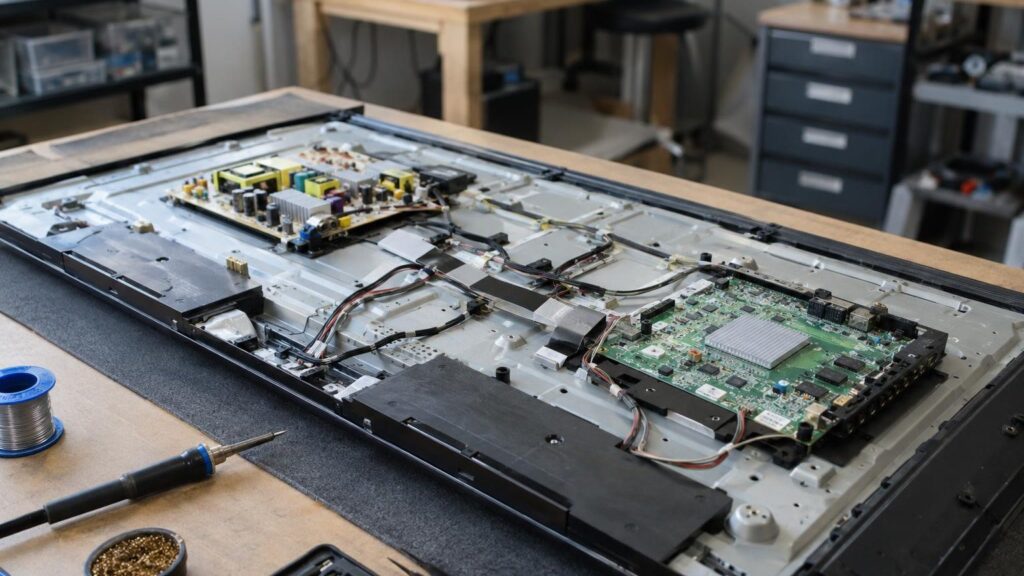
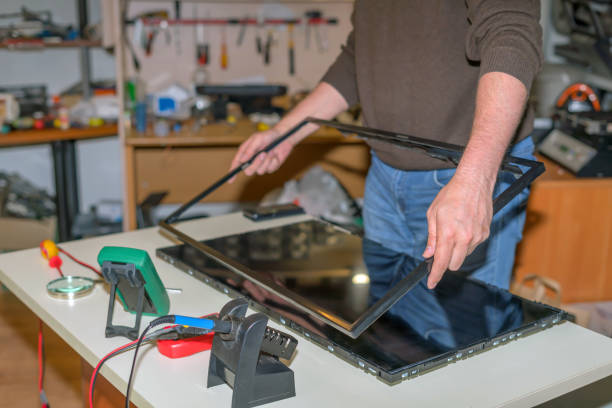
People usually search not for the name of a part but for what they see: a black screen, no sound, lines. Below are the most common symptoms, likely causes and safe checks that do not require opening the casing. Do not open the casing: there is high voltage inside, which is dangerous even when unplugged from the mains.
01from 45 €
The TV shows no picture, but there is sound
WhyIf you can hear sound and the TV responds to the remote, the screen backlight has most often gone out or its power circuit has failed. Less often the cause is the panel control board (T-Con) or the mainboard.
Check it yourselfTry a different HDMI input and a different signal source, and check that an empty input source has not been selected.
What we doThe location of the fault is determined during diagnostics, after which the repair is agreed. Read more about this symptom in the article the screen is dark, but there is sound.
02from 45 €
LG, Samsung or Philips TV shows no picture
WhyThe manufacturer’s brand rarely determines the cause – the age of the model and the nature of the fault matter more. People say „no picture” when the screen is black, shows only a logo, or the TV keeps restarting. This may be a software error or a main board fault.
Check it yourselfUnplug the TV from the mains, wait a minute, press and hold the power button for 10 seconds, then turn it on again. Disconnect all external devices from it.
What we doWe carry out diagnostics, update the software or repair the main board, including BGA chip repair when needed.
03from 45 €
TV not working: won’t turn on, indicator light is off
WhyIf the indicator light does not come on at all, the power supply unit has most likely failed: swollen capacitors or components damaged after a power surge. If the indicator is lit or blinking, the cause is more often a main board or software fault.
Check it yourselfTest the socket with another device, and check the plug and the extension cord. Replace the remote control batteries.
What we doFaulty components are replaced with good ones. Read more in the articles on capacitor replacement and power board repair.
04from 25 €
The TV shows only one colour or a black-and-white picture
WhyMost often the TV is not at fault, but the signal source: a bad HDMI cable, the wrong input, or settings. If the picture is distorted with other sources too, the HDMI port or the video board may be damaged.
Check it yourselfChange the cable and the input, reset the picture settings. Try launching a built-in app, for example „YouTube”: if the colours are fine, the external device is at fault.
What we doIf the port is broken off, it is repaired or replaced; in other cases the solution becomes clear after diagnostics. See why the screen shows only black and white.
05from 45 €
There is a picture, but no sound
WhyThe most common causes: external audio mode is on, a different audio output is selected, the speakers are faulty, or the audio chip on the main board has failed.
Check it yourselfCheck that mute is not on and that the sound is not being sent to an external sound system or headphones. Connect external speakers: if sound comes through them, the problem is in the TV’s speakers.
What we doThe solution depends on diagnostics: the audio circuit on the main board may need to be repaired. More in diagnostics of TV sound loss.
06from 45 €
Lines, spots or cracks on the screen
WhyVertical or horizontal lines can appear because of the screen control board or the connecting ribbons. If the defect is also visible in the settings menu, and especially after an impact, the panel itself is usually damaged.
Check it yourselfOpen the settings menu: if the lines are not there, restoring factory settings may help. Do not press or rub the screen.
What we doReplacing the screen is often not economically worthwhile, so the price and the benefit are worth discussing after diagnostics. See causes of black spots.
07from 25 €
The TV does not detect HDMI
WhyThe cause may be the cable, the input settings, or a broken-off or burnt-out port. Burnout is sometimes caused by connecting cables while the devices are switched on.
Check it yourselfTry a different cable and a different port. It is better to connect or disconnect cables with both devices switched off.
What we doThe port is repaired or replaced. More in when the TV does not detect HDMI.
08
The TV does not connect to Wi-Fi
WhyMost often the router or the network settings are at fault. If the TV does not see any network while other devices do, the problem may lie in the main board.
Check it yourselfRestart the router, reset the network settings, or reset all of the TV’s factory settings.
What we doIf resetting the settings does not help, diagnostics are needed, after which the repair price is given.
09from 45 €
The TV flickers or turns itself off
WhyFlickering is often caused by weakening backlight elements, dried-out power supply capacitors, or overheating. Spontaneous shutdown can also be a sign of dust or a software error.
Check it yourselfCheck that the TV has free space for ventilation, turn off the energy-saving and timer functions, and try a different socket.
What we doThe cause is determined during diagnostics. More in causes of TV flickering.
10from 25 €
Broken or loose port (HDMI, USB, antenna)
WhyPorts break when a cable is pulled at an angle, the TV is moved with cables still connected, or the cable is too heavy. Solder joints can crack even without visible damage.
Check it yourselfDo not try to press the port or „put it back in”. If the cable holds only in a certain position, use another port and bring the TV in for inspection.
What we doThe port is repaired or replaced with a new one.