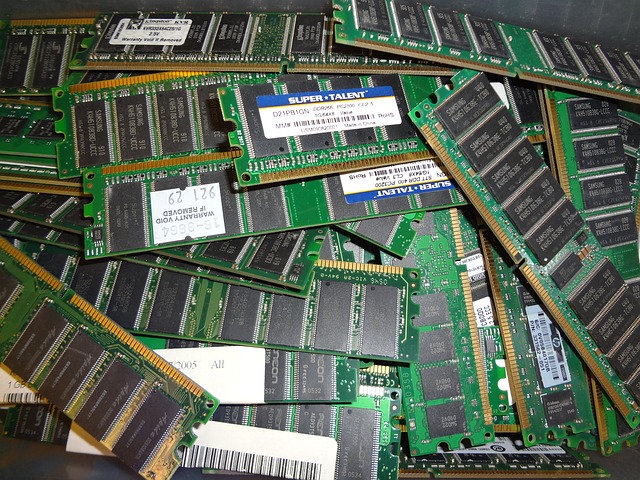
RAM (random access memory) is not the kind of memory where data such as movies or documents are stored. It is working memory, into which data is loaded while it is being processed. That is why this memory is also called working or temporary memory. The more working memory there is, the more data can be loaded into it and the faster it can be processed. When RAM runs short, the slowdown of the computer is very noticeable.
RAM is one of the components of a computer that is replaced rather than repaired. Since it is usually the chips themselves that fail, it is not economically viable to manually re-solder them.
RAM is usually replaced to increase its capacity, not when it fails. This is one of the less common computer failures we see in our computer repair shop. The most common way to increase RAM is to speed up an old computer: to modernise, upgrade. It is often the case that memory modules are particularly expensive when the computer is purchased, but after a certain period of time they become cheaper. It is also not uncommon for new computers to be inefficiently equipped.
We replace RAM for both laptops (SODIMM) and desktop computers (DIMM). Choose the right type: DDR2, DDR3, DDR4, etc. and the right frequency: 1333Mhz, 1600Mhz, 1866MHz, 2066Mhz, etc.
Operational memory replacement, selection, expansion and other work elMeisters in the computer rules. We look forward to seeing you.