Diagnostics €10 · no registration required

Nissan navigation update

Nissan navigation update in Vilnius, Kaunas and Klaipėda: Lithuanian and European maps for Connect, X7 and X9 systems. No registration required.

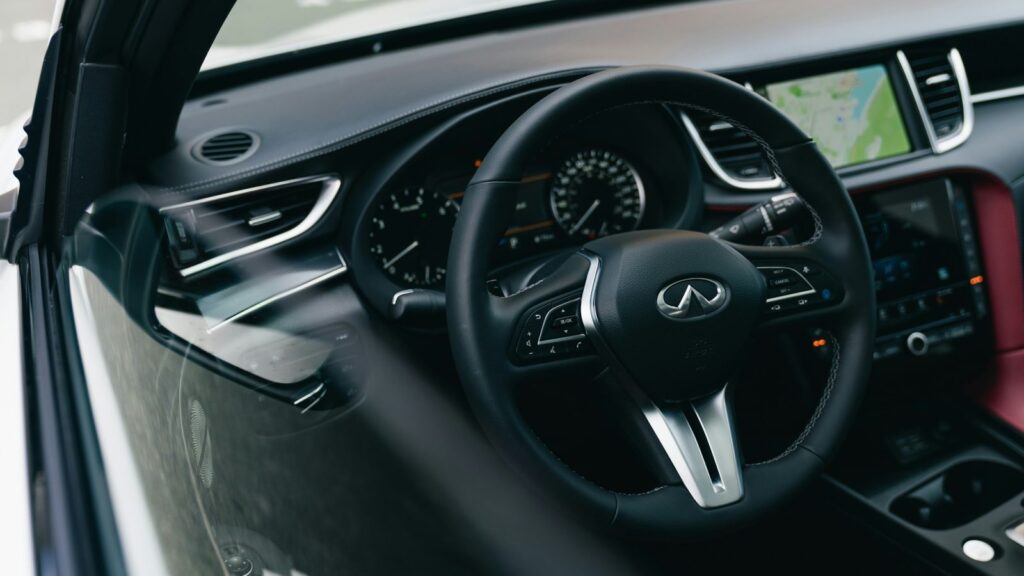
Infiniti car navigation screen with a map Nissan mapsWhat we update Warranty on work
Nissan maps
What we update
40 €
Price from
10 €
Initial diagnostics
1 year
Warranty for the update

4 service points – bring it to the nearest one

  1. Vilnius Kareivių g. 11A, Žirmūnai +370 679 74770
  2. Kaunas Baltijos g. 58, Šilainiai +370 656 95553
  3. Klaipėda Sausio 15-osios g. 13 +370 617 77731
  4. Šiauliai Gegužių g. 30, PC „Arena“ +370 659 83704
  • No appointment needed
  • Diagnostics €10
  • Mon–Fri 9–18
  • All contacts

A Nissan navigation update is needed when the system doesn’t recognise new roads, roundabouts or bypasses and directs you through places that no longer exist. The map version depends on which system is installed in your car: from older disc-based Connect Premium to the SD card-based Connect 1, 2 and 3.

For other brands’ systems, see the page navigation update.

  • How much does the update cost? The price depends on the system and model, and we quote it after inspecting your car’s navigation. The initial diagnostics cost 10 €, and the final amount is agreed before the work begins.
  • How long does it take? Updating the Connect Premium X9 system takes about 2.5 hours, and the car must remain running the entire time. We will tell you the time for other systems on site.
  • Do I need to book? No. There is no need to book or call in advance – just come to any service point Mon–Fri 9:00–18:00.
  • Will it work for my Nissan? Compatibility depends on the model, year and system type. Connect 1 is not suitable for cars imported from the USA.
What the symptoms show: when it’s time to update your Nissan maps

The most common cause is simple: the map is behind the real roads.

01from 40 €

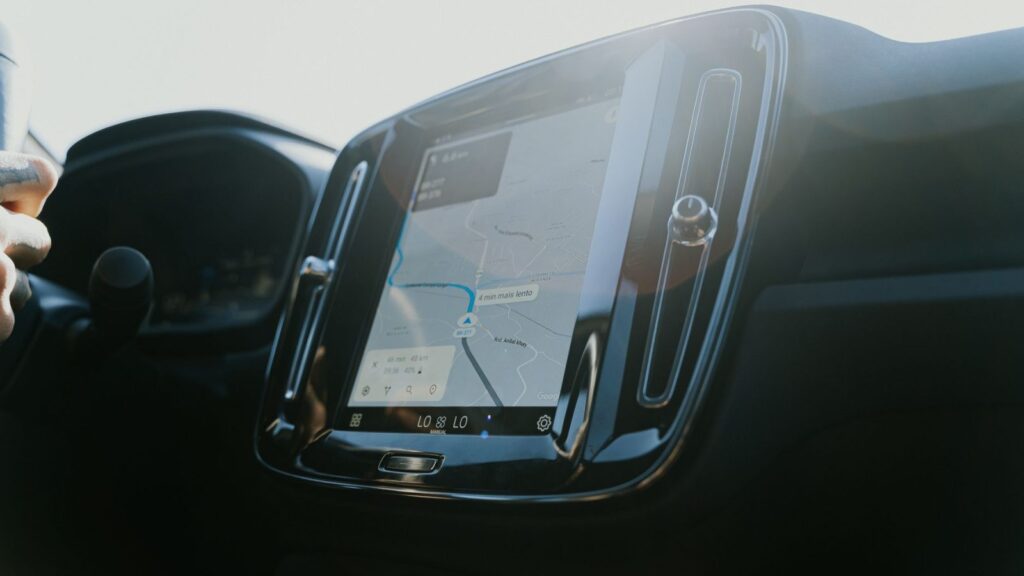
Nissan navigation shows the wrong location

WhyMost often the map is outdated: the car is shown in the fields next to a new road. Sometimes a weak GPS signal is to blame too; read about it in the article about the wrong location.

Check it yourselfDrive to an open area, not under a roof, and wait a few minutes for the system to find satellites.

What we doWe check the system and the map version, and install the latest maps of Lithuania and Europe.

02from 40 €

The navigation doesn’t know about new roads and roundabouts

WhyThe map was installed several years ago, so newly built road sections are simply not in it.

Check it yourselfCompare a new intersection you know well on the screen and in reality – this will show you how far behind the map is.

What we doWe update the maps according to your system type: SD card, disc or internal drive.

03from 60 €

No Lithuanian map in Nissan navigation

WhyThe disc of the Connect Premium X6 system does not include the Baltic states, so Lithuania is not displayed or only the main roads are visible.

What we doWe identify the system type and offer a suitable map option.

04from 25 €

Navigation does not detect the SD card

WhyThe card may be damaged, the file format may be unsuitable, or the contacts in the card slot may be dirty.

What we doWe check the card and the slot and, if necessary, prepare a new card with maps.

05from 60 €

Navigation disc cannot be read

WhyIn older Connect Premium systems, the disc is read by an optical reader, which can be damaged by dust, a scratched disc or a worn-out laser.

What we doWe diagnose whether the disc or the reader is at fault and tell you the repair price.

06

I don’t know which Nissan navigation system I have

WhyThe X6 and X7 systems look the same, and their year ranges sometimes overlap. We identify the system by its home screen and menu.

Check it yourselfTake a photo of the home screen and have the car’s year of manufacture ready.

What we doWe determine the exact version and only then start the update.

Nissan navigation update prices

Indicative prices by system type, which we determine on site.

SD card systems

ServicePriceWarranty
Connect 1, Connect 2, Connect 3 map updatefrom 40 €1 yr.
Preparing a new SD card with mapsfrom 25 €–

Discs and internal drive

ServicePriceWarranty
Connect Premium X6 and X7 map updatefrom 60 €1 yr.
Connect Premium X9 internal HDD update (about 2.5 hours)from €1001 yr.

Faults

ServicePriceWarranty
Navigation disc reader repairfrom 60 €–
SD card slot repairfrom 40 €–
Prices are indicative: we confirm the exact amount after the initial diagnostics, which cost €10, and agree on it before any work begins.

Myths about updating Nissan navigation

  • Myth. All Nissans are updated in the same way. In reality. The systems differ: some use an SD card, others use discs or an internal drive. Not only the model matters, but also the year of manufacture.
  • Myth. A phone app replaces the car’s map. In reality. An app is convenient, but it does not replace the integrated system, which shows the route on the instrument panel and works without the internet.
  • Myth. An update will erase my settings. In reality. A map update usually changes the map data, not the driver’s settings, but this depends on the system.

Which Nissan systems we update

We update Connect Premium X6 (Birdview), X7 (Xanavi), X9, as well as the SD card systems Connect 1 (LCN1), Connect 2 (LCN2 v1) and Connect 3 (LCN2 v2). The X7, X9 and Connect 1–3 maps include a detailed map of Lithuania, as well as Latvia, Estonia, Poland, Germany and other European countries. The Baltic countries are not in the X6 disc’s country list.

Compatibility depends on the model and year. For example, X7 is intended for the Qashqai up to 2009 and the X-Trail 2005–2009, X9 for the Murano, Navara or GT-R from 2009, and Connect 3 for the Qashqai J11 and Micra from 2015. We provide this service for Nissan systems in Vilnius, Kaunas and Klaipėda.

  • Connect 1: Micra, Note, Qashqai, Juke 2009–2013
  • Connect 2: Nissan after 2012, we identify the system by its appearance
  • Connect 3: Nissan from 2014 with an SD card
  • X9: maps, software and POI points

Technician’s tip: if you are unsure about your system, take a photo of the home screen – it is the fastest way to identify it.

Navigation map disc and car system

It is worth updating the maps when you notice that the system increasingly fails to recognise roads and routes become longer. You can find a general overview in the article how to update your car’s navigation.

The update depends on the system type: SD card systems need a card, while X9 takes about 2.5 hours and requires the car to be running. We agree on the update price before starting work.

Before you bring it in

  • The car’s year of manufacture and model
  • The SD card, if your system uses one
  • The navigation disc, if there is one in the car
  • A photo of the home screen
  • PIN code, if the system asks for it
  • Notes on when the map started to make mistakes

From drop-off to pick-up

  1. Come to the service point. No appointment is needed – just drop by the service point in Vilnius, Kaunas or Klaipėda Mon–Fri 9:00–18:00.
  2. We identify the system. Based on the model, year and home screen, we identify the Connect or X system version. The initial diagnostics cost €10.
  3. We agree on the price. We tell you the price of the update or repair and begin only with your consent.
  4. We update the maps. We install the latest maps for your system type. On the X9 system, the process takes about 2.5 hours.
  5. You receive a warranty. We check that the system works. We provide a 1-year warranty for the map update.

Customers often ask about Nissan navigation

Is the Nissan navigation update paid?

Yes, the update is paid, and the price depends on the system. We agree on it before the work.

What is the difference between Connect 2 and Connect 3?

Both use an SD card, but Connect 3 is a newer version, suitable for Nissans from 2014. How maps are installed is described separately.

Is the update suitable for a Nissan from the USA?

Connect 1 system maps are not suitable for cars from the USA. For other systems, we check compatibility when you arrive.

Will Lithuania be included after updating the maps?

The X7, X9 and Connect 1–3 maps include a detailed map of Lithuania. The Baltic countries are not in the X6 system disc’s country list.

Other car brands

Professional navigation update – prices, process and service points

Is your device broken?

Give us a call – we will tell you what we can do and how long it will take.

Call Find a service point